AI coding observability is the missing layer in every modern development workflow. Tools like Claude Code are changing how we build software — but most developers quickly realize: without visibility, documentation, and real numbers, productivity gains turn into chaos.
I've been building software for over 20 years. Over the past months, I've integrated Claude Code deeply into my daily workflow and noticed something that bothered me: I never knew exactly what my AI sessions actually cost, where
Joseph Kisler - Webwerkstatt 3 Min. Lesezeit
AI coding observability is the missing layer in every modern development workflow. Tools like Claude Code are changing how we build software — but most developers quickly realize: without visibility, documentation, and real numbers, productivity gains turn into chaos.
I've been building software for over 20 years. Over the past months, I've integrated Claude Code deeply into my daily workflow and noticed something that bothered me: I never knew exactly what my AI sessions actually cost, where I needed to intervene, and what went well or poorly.
Most developers face the same AI coding observability gap — and don't notice until they're deep in rework, burned tokens, and sessions they can't explain.
So I built what was missing.
The problem: AI coding without a cockpit
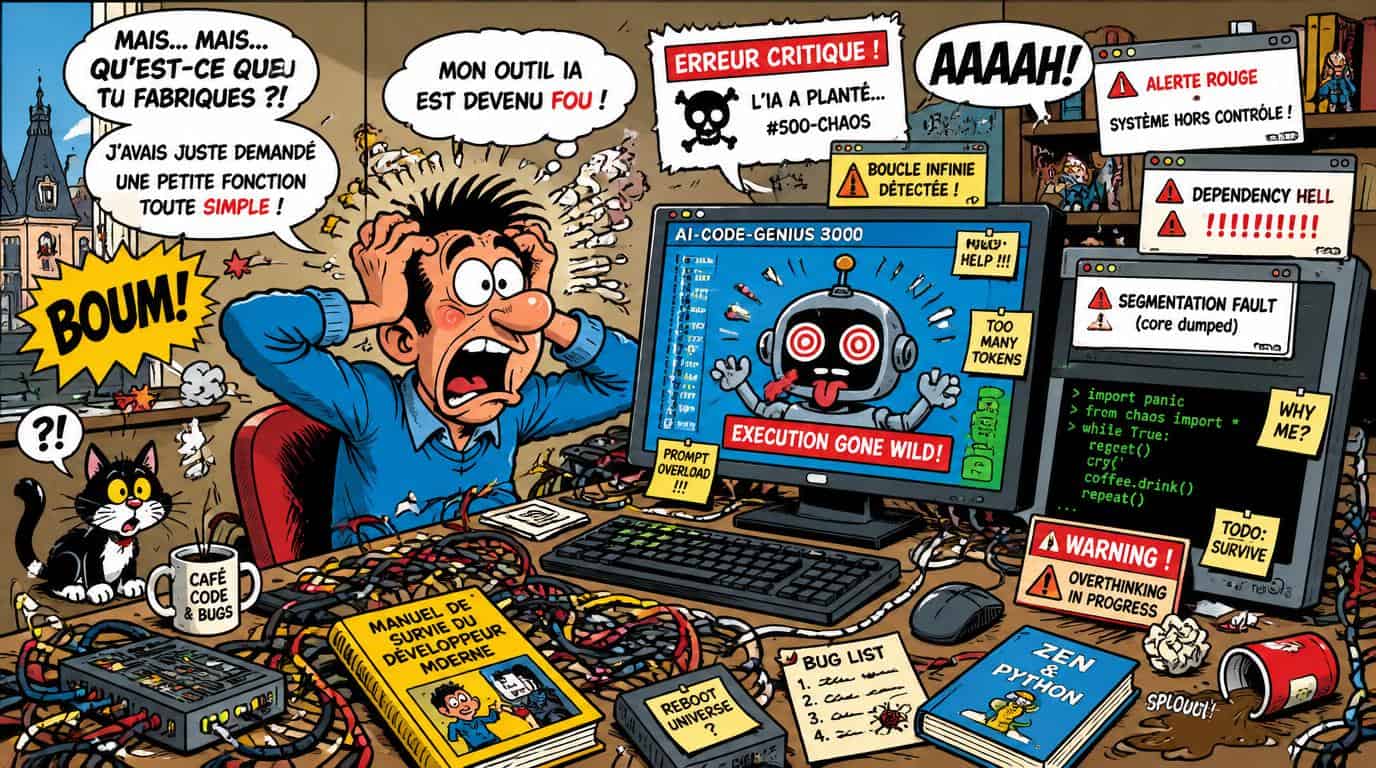
Imagine flying a plane with no instruments. You can see the horizon, but nothing else. That's what AI-assisted programming feels like without observability. Claude Code completes tasks, writes files, runs commands. But: What did it cost? How often did you need to correct it? Which projects burn the most tokens?
"AI is an aggressive autocomplete — not a responsible senior engineer. Without oversight, it produces chaos instead of productivity."
These questions went unanswered for too long. Yet they're critical — not just for your own efficiency, but to honestly assess: where does AI actually help me, and where am I just wasting time and money on rework?
SessionPilot: The cockpit for your AI workflow
SessionPilot is a self-hosted developer dashboard that closes exactly this gap. It captures Claude Code sessions in real time, stores them in a database, and makes them analyzable — by cost, project, tool usage, and quality.
Live Session ViewerTrack Claude Code sessions in real time with Markdown rendering and tool details
Cost DashboardAPI costs by model, project, and time period — Opus, Sonnet, Haiku
Session RatingOK / Needs Fix / Reverted / Partial — with notes and cross-session links
AI TimesheetsAutomatic time tracking based on real session data
Docker & ProjectsContainer status, Gitea integration, auto-discovery of projects
Export & SearchExport sessions as JSON, Markdown, HTML, or XLSX
What this means in practice
Since using SessionPilot, I can see in black and white: some projects cost three times more tokens than others — not because the tasks are harder, but because the CLAUDE.md was incomplete. I can see which sessions I had to revert, and when Claude Code works reliably on its own.
This isn't a toy. It's real data about my own productivity — and the first honest answer to the question: does AI coding actually pay off?
Self-hosted, no SaaS, no dependencies
SessionPilot runs as a Docker container on your own infrastructure. No cloud dependency, no data sharing, no monthly subscription. Just Python, Flask, PostgreSQL — and a clean dark UI that works out of the box.
What good AI coding observability actually looks like
Most developers think observability means logs. But for AI-assisted workflows, it means something different: knowing why a session went wrong, not just that it did.
Good AI coding observability answers four questions:
Cost — What did this session actually cost in tokens and time? Which projects burn the most resources?
Quality — Did the AI output need correction? How often did I revert? What was the rework rate?
Context — Was my CLAUDE.md complete enough? Did the model have the right information to succeed?
Patterns — Which task types benefit most from AI assistance — and which ones consistently fail?
Without answers to these questions, you're not using AI coding tools. You're just hoping they work.
SessionPilot was built to answer exactly these four questions — session by session, project by project, with real data instead of gut feeling.
Claude Code ist erstaunlich leistungsfähig, und genau das ist das Problem für Teams. Ein Tool, das selbständig Dateien analysiert, Code schreibt, Befehle ausführt und sich über mehrere Schritte durch ein Problem arbeitet, sollte man in einem Entwicklerteam nicht einfach installieren und beobachten, was passiert. Für einen einzelnen Entwickler ist das eine echte Hilfe. Für ein Team wird es zur Governance-Frage.
Ich schreibe das nicht aus theoretischer Perspektive. In den letzten Monaten habe ich
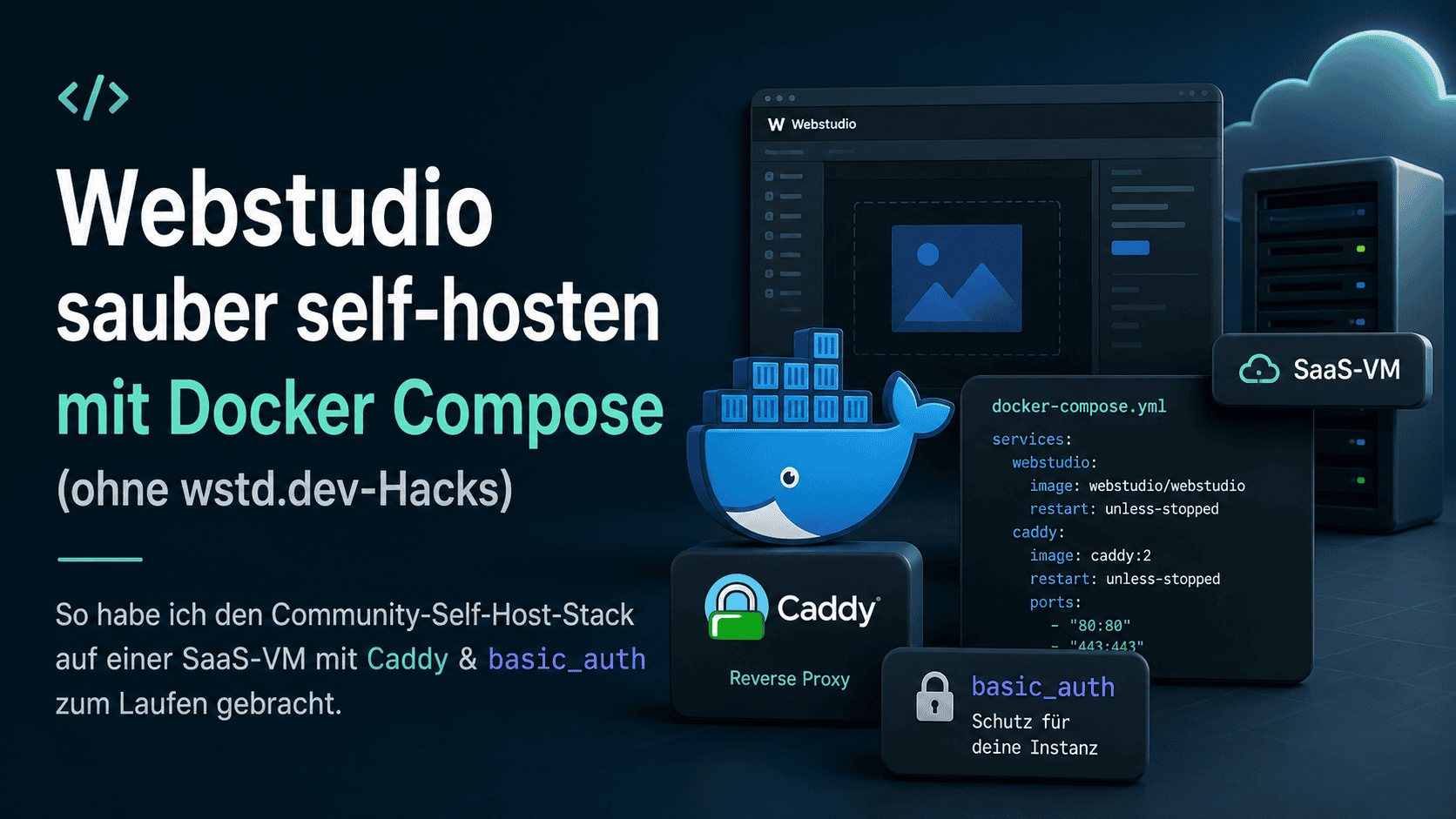
Webstudio ist ein hervorragender visueller Web-Builder — Open Source, gut gepflegt, mit echtem Designer-Feeling. Was die offizielle Doku eher beiläufig erwähnt: Self-Hosting hinter einem Reverse-Proxy ist explizit nicht supportet. Wir haben das auf die harte Tour gelernt. Dieser Artikel ist der ehrliche Erfahrungsbericht — was wir versucht haben, woran es scheiterte, und welcher Pfad am Ende funktioniert hat.
Lesedauer ca. 10 Minuten. Zielgruppe: Entwickler, die Webstudio auf einer eigenen Subd
Ich nutze Claude Code seit Monaten in echten Kundenprojekten – nicht „zum Spielen“, sondern mitten in produktionsnahen Stacks: Astro-Frontend, FastAPI-Backend, Docker, CI/CD, Skills, eigene Rules und umfangreiche Projektdokumentation. An guten Tagen fühlt es sich an wie ein sehr fähiger Senior-Engineer.
Heute war so ein Tag, an dem es sich eher wie ein unsicherer Junior verhalten hat, der die Spezifikation nicht liest – und genau das ist in professionellen Projekten ein Problem.
Warum ich Cla
Wir respektieren deine Privatsphäre
Wir verwenden Cookies und ähnliche Technologien, um diese Website bereitzustellen und zu verbessern. Notwendige Cookies sind für den Betrieb erforderlich. Mit deiner Zustimmung nutzen wir zusätzlich Cookies für Statistik, externe Medien und Marketing. Datenschutzerklärung
Cookie-Einstellungen
Verwalte deine Cookie-Präferenzen im Detail. Du kannst sie jederzeit über den Button im Footer ändern.
Notwendige CookiesImmer aktiv
Für die Grundfunktionen der Website unerlässlich und nicht deaktivierbar – etwa das Speichern deiner Cookie-Auswahl und der Spam-Schutz (Cloudflare Turnstile) im Kontaktformular.
Statistik & Analyse
Helfen uns zu verstehen, wie die Website genutzt wird, um sie zu verbessern. Wir setzen Matomo datensparsam ein – selbst gehostet und mit anonymisierter IP-Adresse.
Externe Medien
Erlauben das Laden eingebetteter Inhalte von Drittanbietern (z. B. Videos oder Karten). Ohne deine Zustimmung werden solche Inhalte nicht geladen.
Marketing
Helfen, die Wirksamkeit von Werbung zu messen und Inhalte auf deine Interessen abzustimmen. Diese Cookies werden ausschließlich mit deiner Zustimmung gesetzt.

 Joseph Kisler - Webwerkstatt